Update Node
info
Must have a Read Node before this Node for it to work properly. Must have existing rows in the data table for it to work properly.
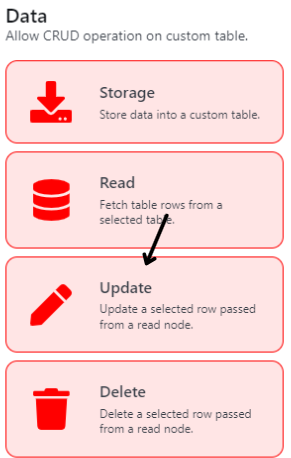
To update the First Row of a specified data table based on the specific filters of the Read Node. (Diagram 19)
Node Name
| Title | Description | Type |
|---|---|---|
| Node Name | To set the Node's name | Text Field |
Update Config
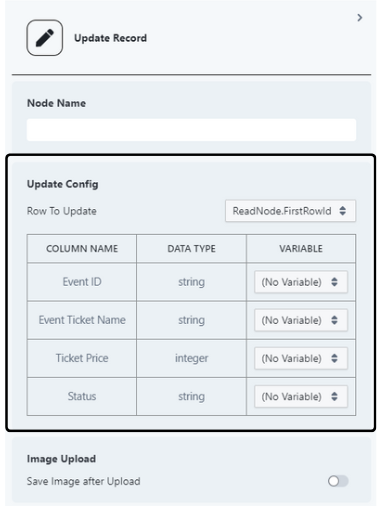
| Title | Description | Type |
|---|---|---|
| Row To Update | To choose the table that user would like to update. | Single Select Dropdown |
| Table | To select the variables that user wishes to update in the specified column | Single Select Dropdown |
Image Upload
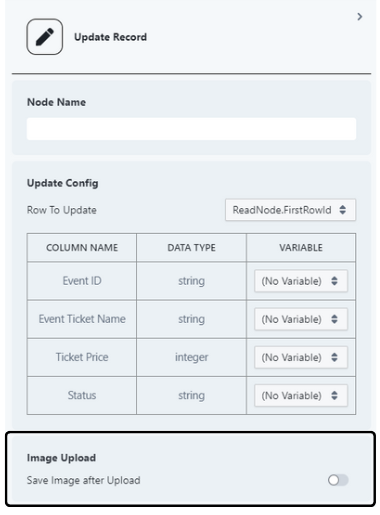
| Title | Description | Type |
|---|---|---|
| Save Image after Upload | To set whether user wish to store an attachment from a variable into a specified folder. (Diagram 21) | Toggle |
| Target Folder (If Toggle is On) | To select the folder that user wish to store the attachment | Single Select Dropdown |